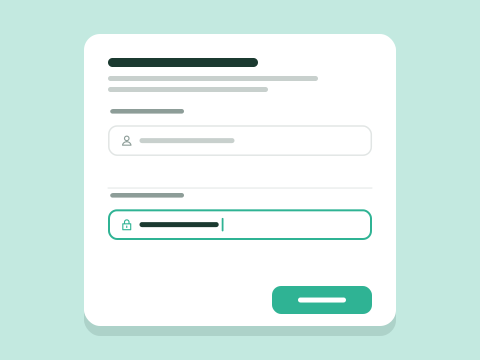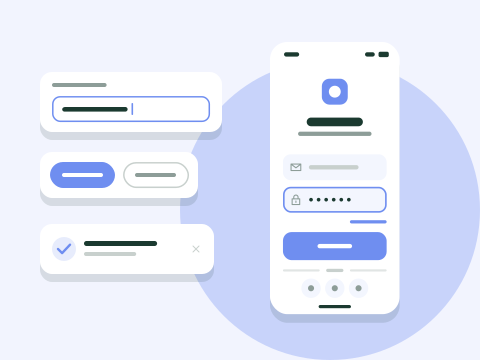
Cover illustration. The files are listed under What's inside.
Input Fields UI Pack
Input fields for text, email, password, number, phone, URL, currency and multi-line text, each in seven states from default to disabled.
Fits your $30 budget
Added to your cart.View your cart
- Includes the Standard license: personal, commercial and client work for one person.
- Instant download after payment, plus an email with links that stay active for 30 days.
- Refund within 14 days if you haven't downloaded it yet, if it doesn't work in the supported software listed here, or if it's faulty and we can't fix it.
- Contents
- 56 variants
- File formats
- .fig, .sketch, .png
- Supported software
- Figma, Sketch
- Download size
- 5 MB
- Good for
- Sign-up and login forms
- Settings pages
- Back-office data entry
About this product
Text, email, password, number, phone, URL, currency and multi-line textarea fields are each built in seven states (default, hover, focus, filled, error, success and disabled), for 56 variants. The password field has a show and hide toggle and the number field a stepper. Labels, helper text and validation messages sit in an auto layout frame, so a long message pushes content down instead of overlapping it.
With every state already drawn, sign-up forms, settings pages and admin panels can be mocked up and reviewed without gaps in the error or success cases. Fields are 44 px tall with 16 px input text, a size that works for mouse and touch alike, and the Sketch file follows the same structure as the Figma one.
What's inside
- 56 variants: 8 field types × 7 states
- Password, number, phone, URL, currency and textarea fields
- Error and success states with message text and icons
- 44 px fields with 16 px input text for touch screens
- Labels, helper text and icons toggled by properties
License
Standard license
Included with every purchase
For one person. Use the assets in unlimited personal and commercial projects, including work you deliver to clients.
Allowed
- Design a client's website with a UI kit and hand over the finished site
- Use the same asset in as many of your projects as you like
- Build your startup's pitch deck from a presentation template
- Use an icon set throughout your company's web app
Not allowed
- Reselling, sharing, sublicensing or giving away the files, as they are or modified, for example on stock sites or marketplaces
- Uploading the files anywhere others can download or extract them, such as a public repository
- Letting several people work from one Standard license (a Team license covers that)
- Selling print-on-demand merchandise or templates built on the assets without an Extended license